What the first sale is
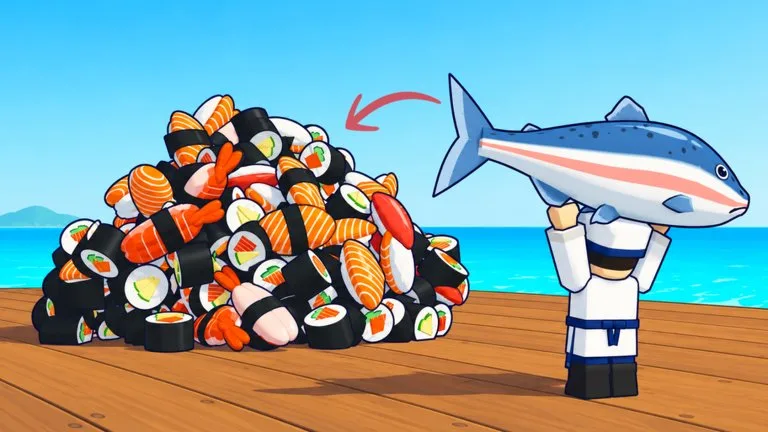
Sell a Million Sushi opens as a sushi-restaurant tycoon. The Roblox description states the loop directly: hire fishermen to catch fish, bring that fish to your chef, earn money from customers, then hire and merge fishermen so the restaurant can grow.
The first sale is smaller than that empire goal. A November 4, 2026 beginner walkthrough pins the opening target to one hire, a fish counter of 3, one deposit, and one collection on the green money pad.
Controls that matter
Move with W, A, S, and D. Jump with Spacebar. Interact with E. Almost every job in the opening is done by walking onto a pad, not by opening a menu.
Do these five steps in order
- Go to the waterfront and step on the Hire 1 pad beside the fishermen. The pad prints its price. Pay it once. A new fisherman appears along the water. Read the pad again later, because the price can change as you progress.
- Collect fish from the catch area beside the fishermen until the Fish counter reaches 3. That is the opening target, not a permanent bag size.
- Carry the fish to the Deposit Fish area by the central cooking counter. The deposit worked when the fish you are carrying drops to zero.
- Stay in the restaurant while customers eat. The prompt changes from waiting to collecting money.
- Step on the green money collection pad inside the restaurant. Your spendable cash rises only after this step.
Money waiting on the pad is not the same balance you spend on the next hire. If the Hire pad rejects you, collect the green pad first and check the new balance.
How you know the sale landed
| Step | Where | It worked when |
|---|---|---|
| Hire | Hire 1 pad at the waterfront | A fisherman appears along the water |
| Catch | Catch area beside the fishermen | Fish counter shows 3 |
| Deposit | Deposit Fish by the central counter | Carried fish drops to 0 |
| Serve | Inside the restaurant | The prompt switches to collecting money |
| Collect | Green money pad | Spendable cash goes up |
What the tutorial asks next
After that first collection, the tutorial tracks more hires with text such as "Hire more fishermen (2/3)" and then "Merge 3 fishermen." Follow the arrows to the merge pad by the waterfront. Three Tier 1 fishermen become one Tier 2. The named version of that first merge, three Sardine Tier 1 into one Mackerel Tier 2, is on the merge guide.
If the counter never moves
Use the sales stopped checks before you buy a second system. The usual opening stall is fish left at the waterfront, fish still in your hands, or cash still sitting on the green pad.